What leaves my computer?
With Apple Intelligence or a local model: nothing. Text recognition, search, embedding and answering all run on the Mac. Only if you yourself set up a server or a cloud model with your own key do text excerpts go there – just the passages needed for the question, never your whole folders. Nothing goes to schubec: no content, no usage data; crash reports only if you agree at first launch.
What does a cloud model cost, if I use one?
The provider bills that by usage, not us – from fractions of a cent to a few cents per question, depending on the model. DocUnderstand shows the cost of each request in the log, so you keep track. With a local model or Apple Intelligence, a question costs nothing.
What is the difference from Spotlight or Finder search?
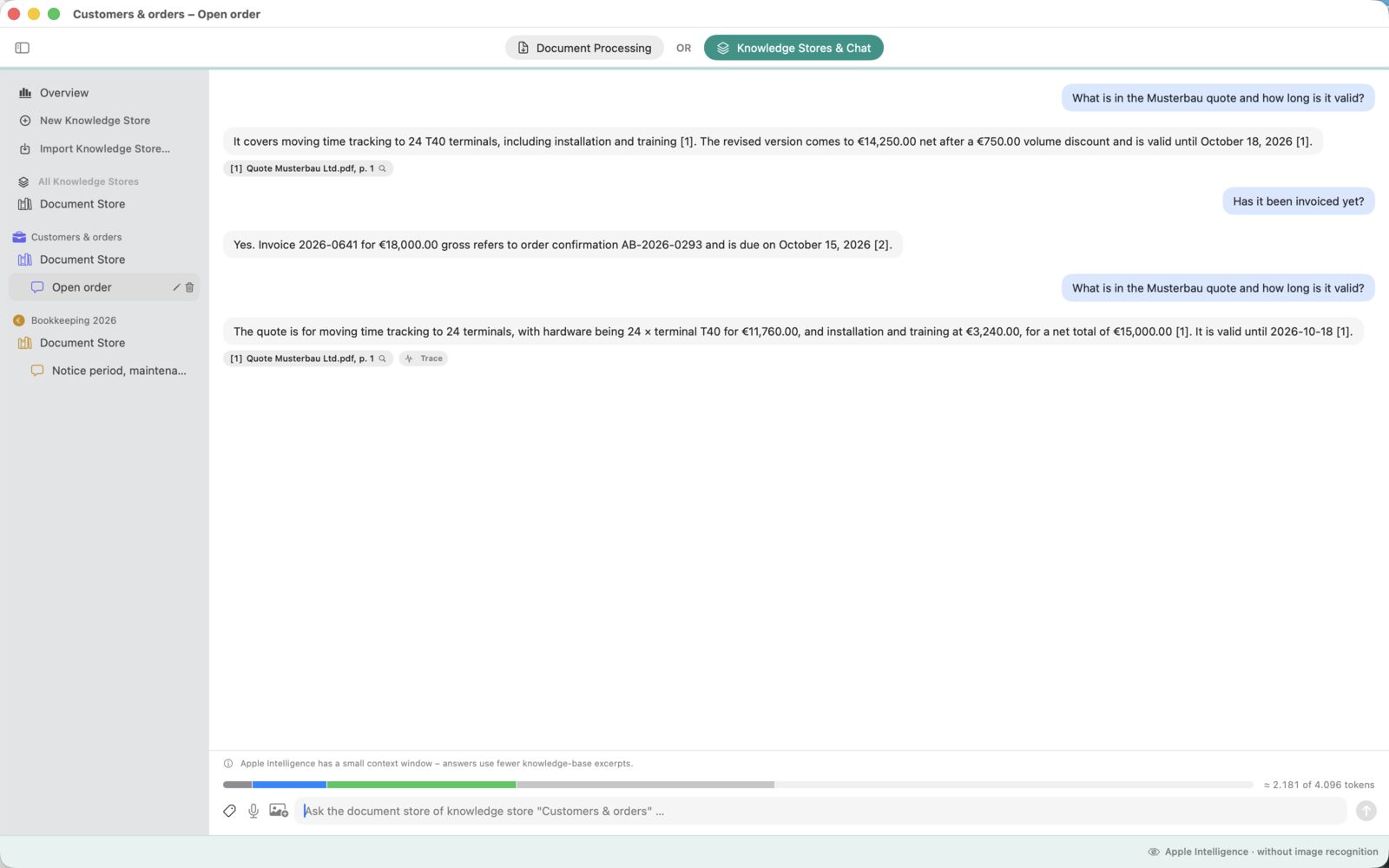
Spotlight finds files in which a word occurs. DocUnderstand answers the question: it understands what is meant, even without the exact word, summarizes the matching passages from several files and names the page. And it can write – draft replies, summaries, translations, documents from templates.
Is this GDPR-compliant?
With local processing, personal data stays on your device – there is no processing by us and no processor you would have to engage. If you use a cloud model, your contract with that provider applies; you decide which one and for which stores. The log of each request shows which passages were transmitted.
What is a knowledge store?
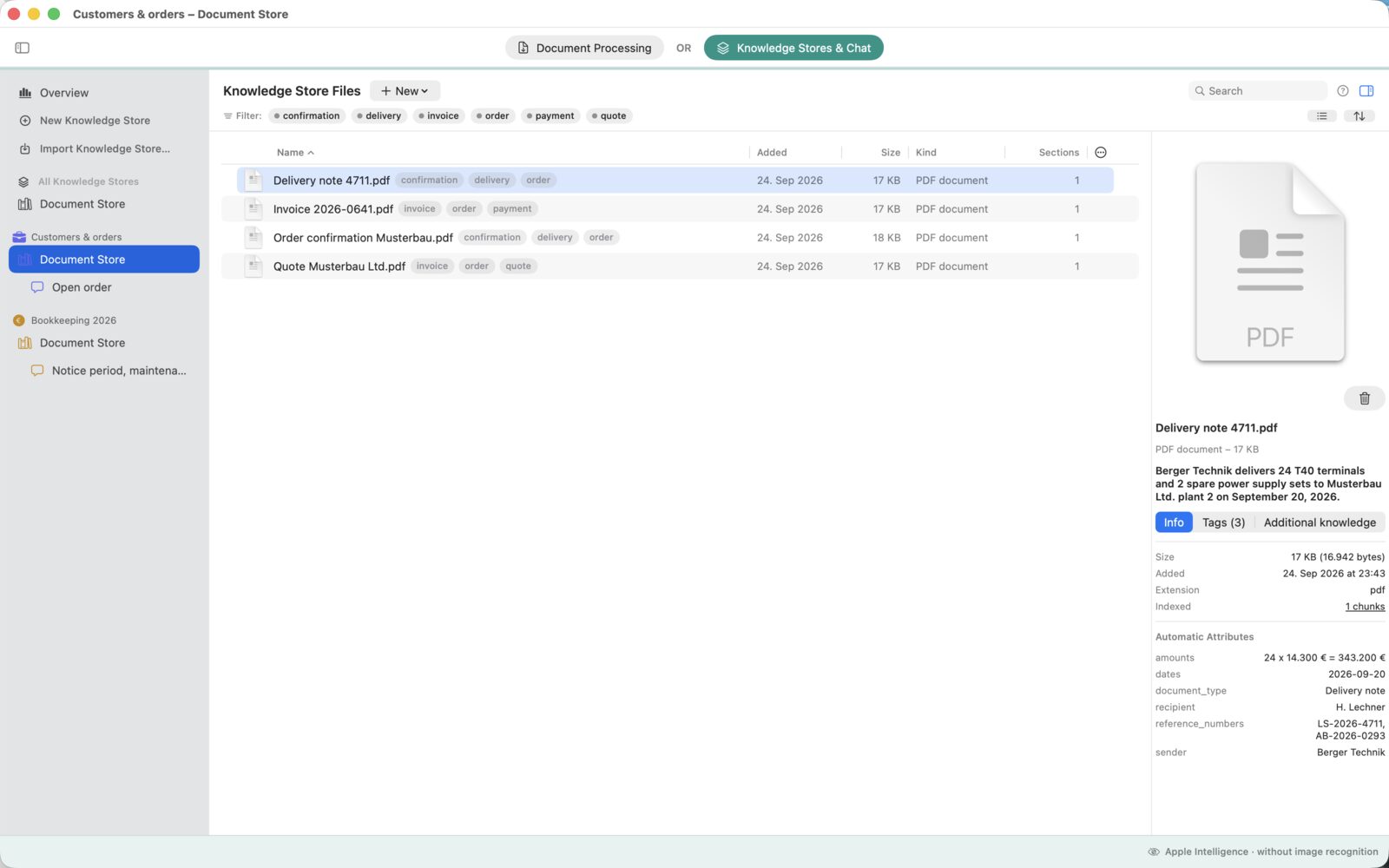
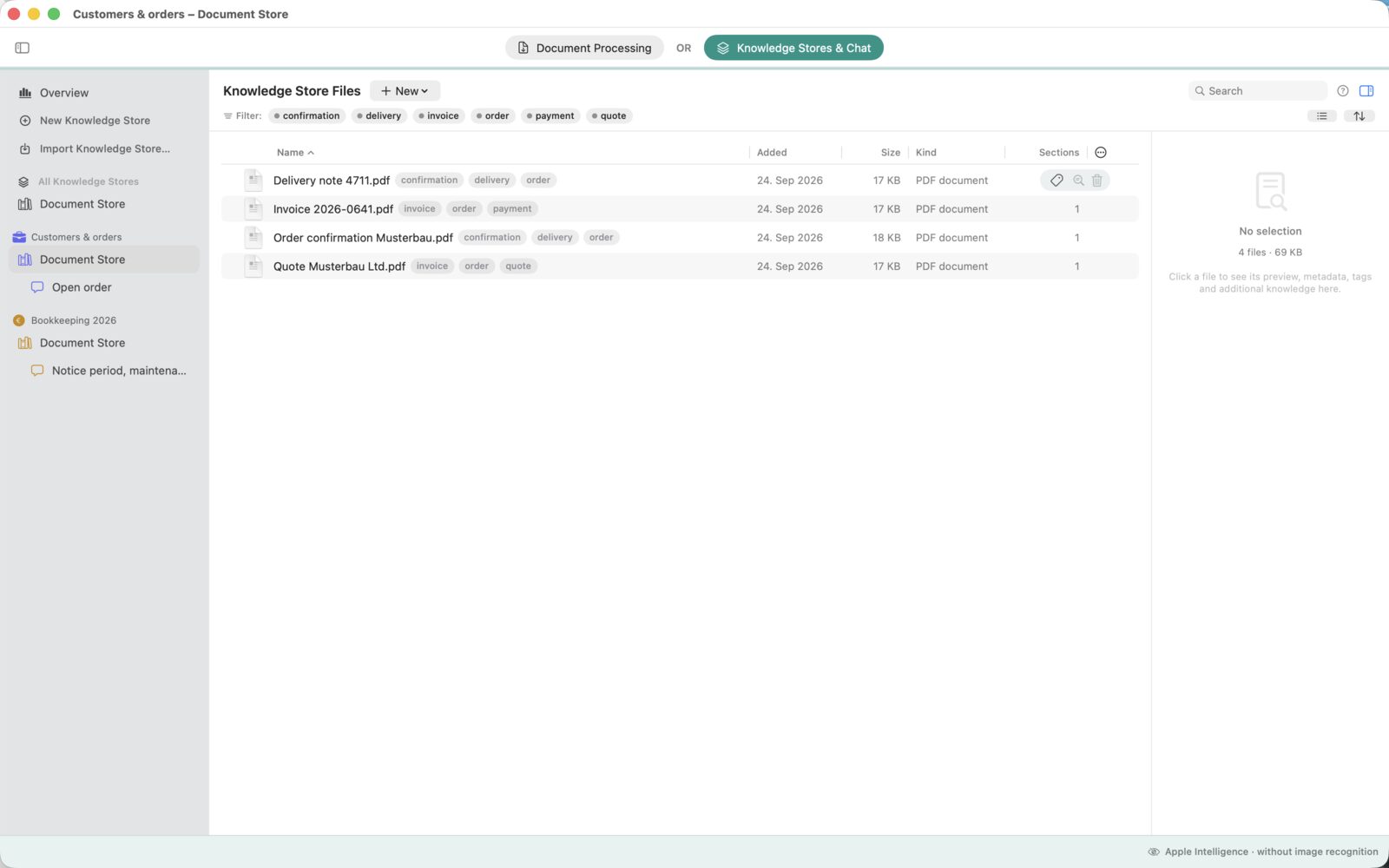
An ordinary folder on your Mac that DocUnderstand reads and watches – with all its subfolders. You put files in as you always have; the app reads them, summarizes them, tags them and answers questions about them. There is no second filing system inside the app: whatever you change in the Finder, DocUnderstand follows.
What is the difference to DocOversee?
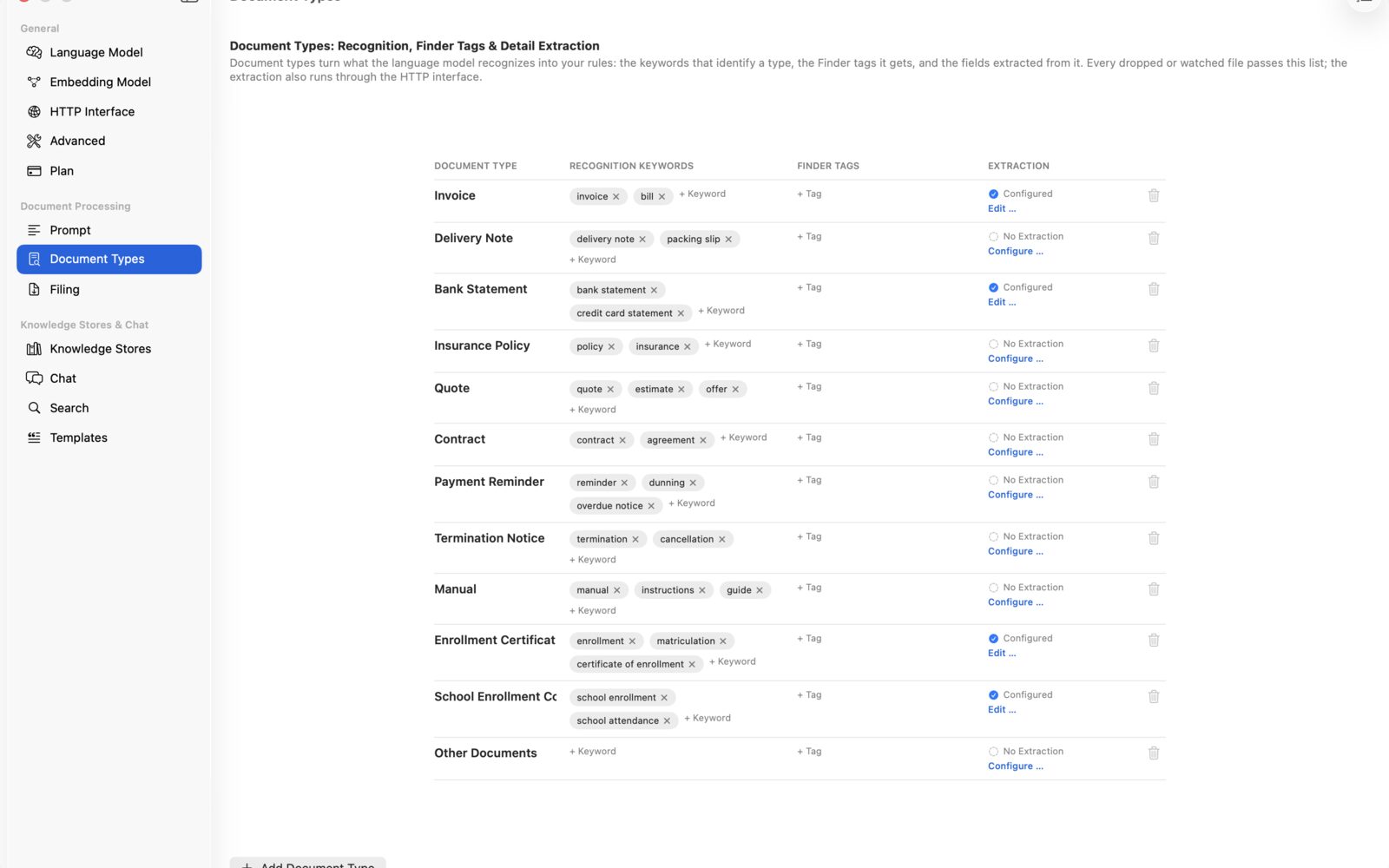
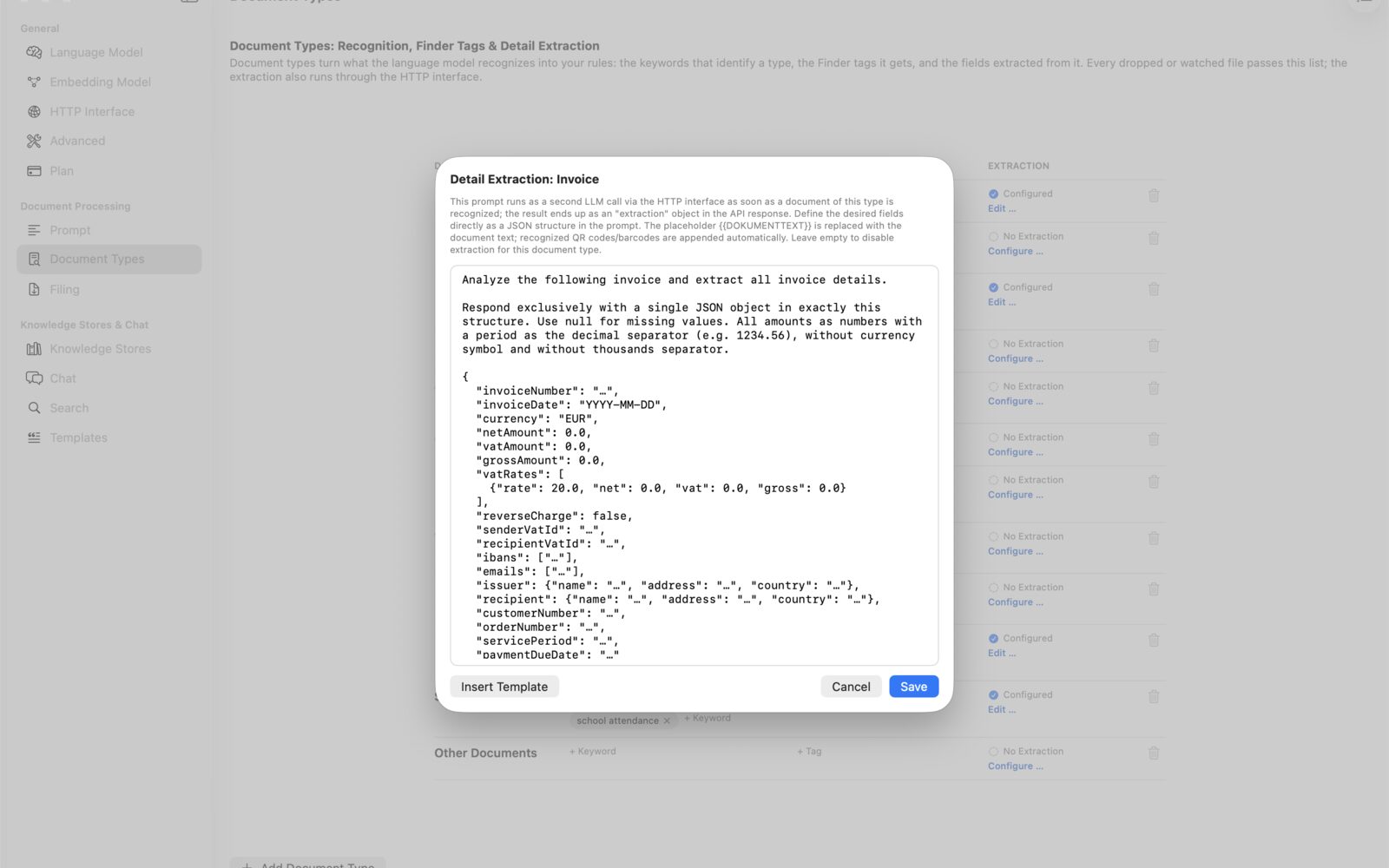
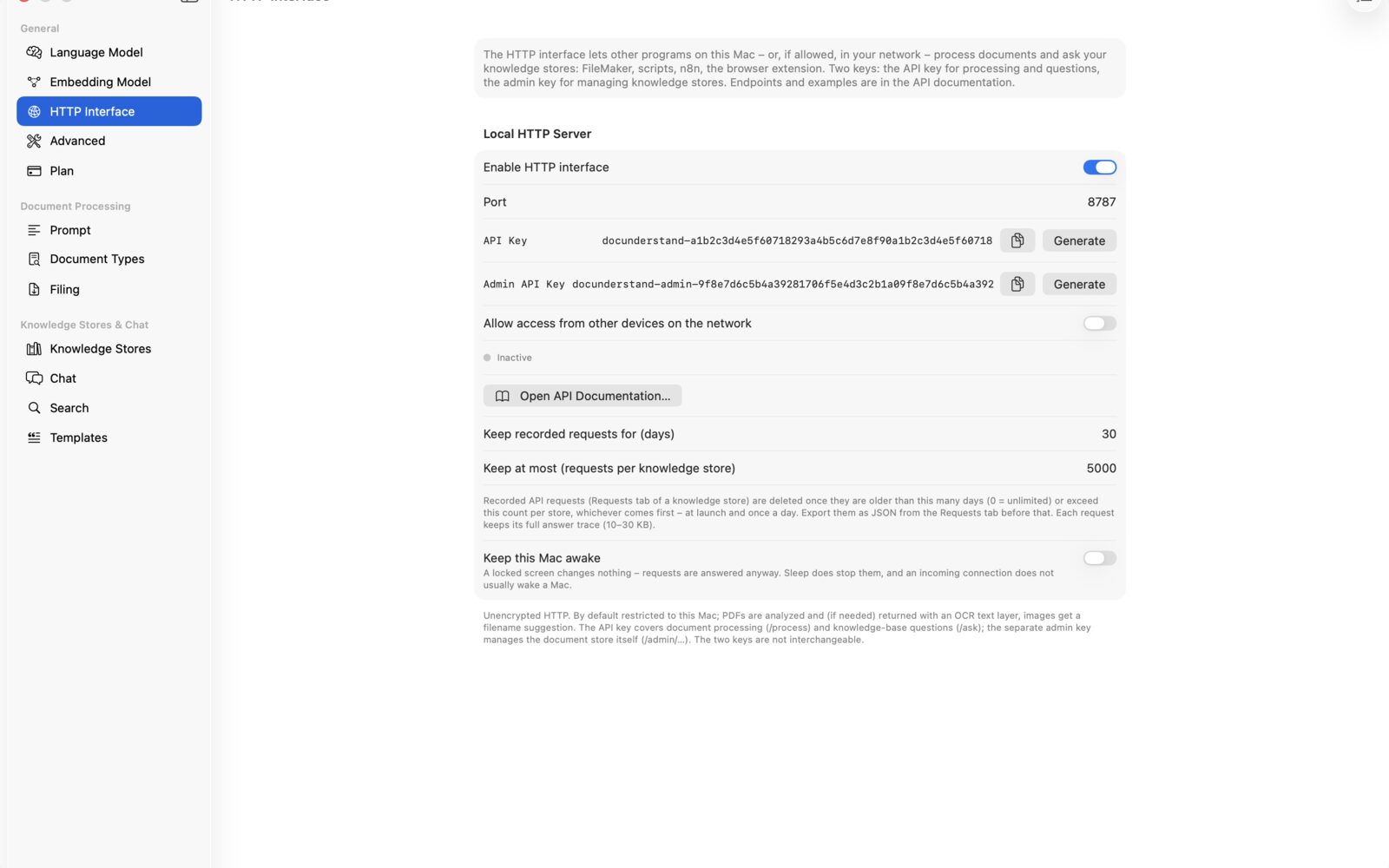
DocOversee is the document store: your papers move into projects with folders, versions, deadlines and a vault – on Mac, iPhone and iPad, synced through your iCloud. DocUnderstand is the tool for files that stay where they are: rename, tag, extract data, serve other programs through the REST API and Shortcuts – Mac only. Both share the same core and can be used side by side. Go to DocOversee ↗
Are my documents safe?
Yes. With Apple Intelligence or a local language model, no document leaves your Mac; text recognition, embedding and search run locally as well. Data is transmitted only if you set up a server or a cloud model yourself.
Do I need an internet connection?
No. Once a local model is downloaded or Apple Intelligence is available, DocUnderstand works entirely offline. You need the internet only to download models and for cloud models, if you use any.
Which files does DocUnderstand understand?
Read for their content: PDF, Word (DOCX), Excel (XLSX), PowerPoint (PPTX), Pages, Numbers, Keynote, OpenDocument, text, Markdown, RTF, HTML, CSV, JSON, emails (EML, MSG) with attachments, images with text recognition and image description, and web pages. The older .doc and .xls formats are not read. Any other file may still sit in the folder – it is found by name, keyword and note.
How do I know the answer is right?
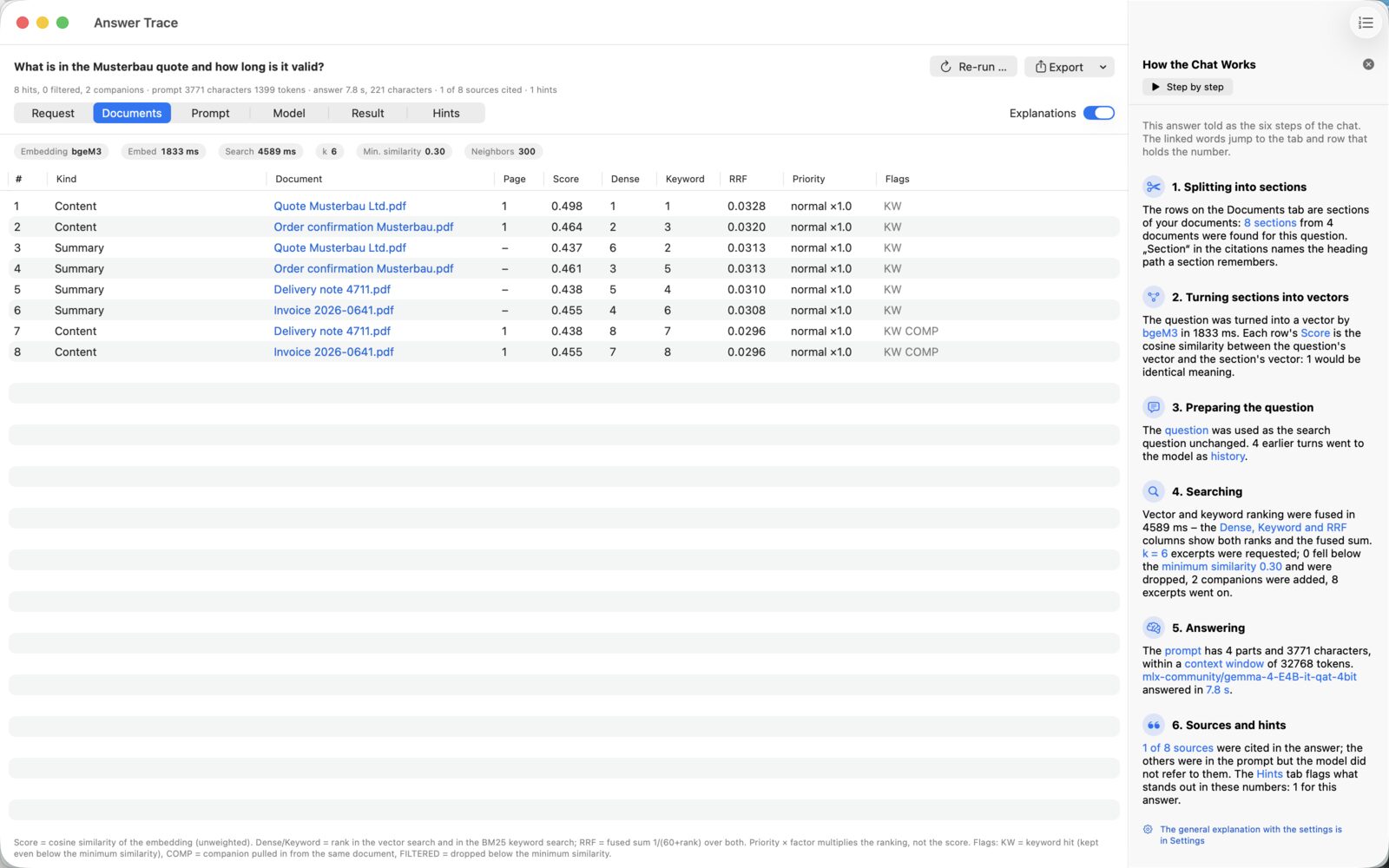
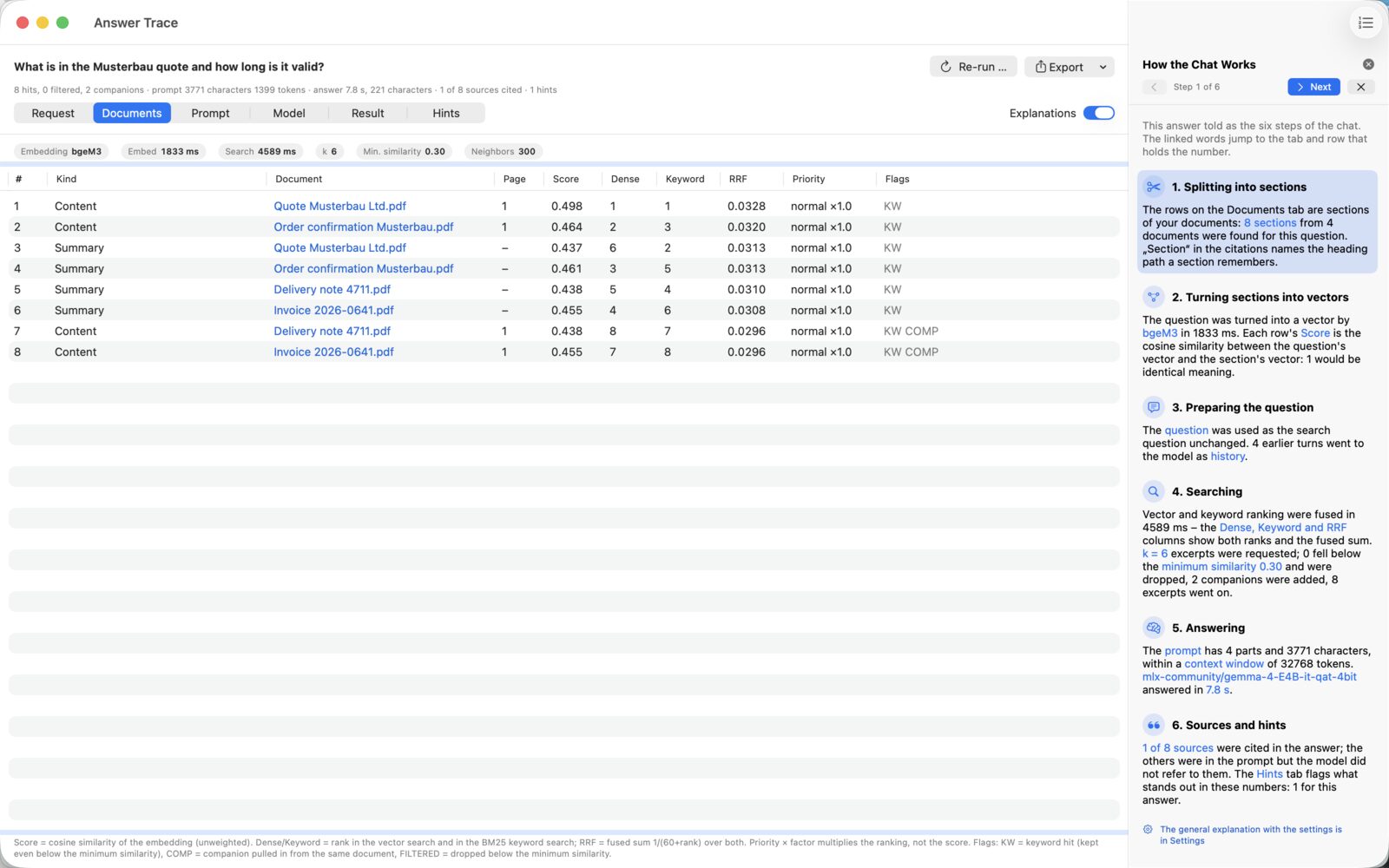
Every statement carries a source, and one click opens the page it quotes. And every answer has a path: which passages were found, what the model received, how long it took. If nothing in your documents fits, the app says so instead of inventing something.
Can I share my subscription with my family?
Yes. Subscription and Pro support Apple's Family Sharing: once it is set up in your Apple Account settings, up to five other family members use your subscription without buying their own – each on their own Mac and with their own documents.
What happens when a quota or a limit is reached?
Nothing is deleted or locked – your knowledge stores and documents stay readable and searchable. Only nothing new is added until you take out a subscription, move to Pro, make room, or the next month begins in your subscription. A failed request, by the way, does not count.
Can I buy without the App Store?
Yes, Pro is available as an annual licence directly from us – €199 a year, the same as in the App Store. You order through the form, receive the invoice and the licence file, and drag the file into the app. The free tier and the subscription stay in the App Store, because billing there is handled by Apple.
How does the direct edition differ?
In features, not at all. It is the same source code, notarised by Apple; the plan is simply unlocked with the licence file instead of your Apple account. That is why there is no Family Sharing there: it belongs to the App Store. In return, the direct edition needs no Apple account and can be rolled out on managed Macs. It updates itself; the App Store edition gets its updates through the App Store.
Can I switch between the App Store and the direct version?
Yes, in both directions. Both versions are the same app and share database, documents and settings on your Mac; after switching, everything is there again. A newer version does not lock out the older one: the database is only extended, never restructured – in the older version you merely miss the newer features. Only the unlock does not carry over: in the App Store your subscription or Pro counts with Apple, in the direct version the license file. Install only one of the two at a time; both live as “DocUnderstand.app” in Applications.
What do I need for this?
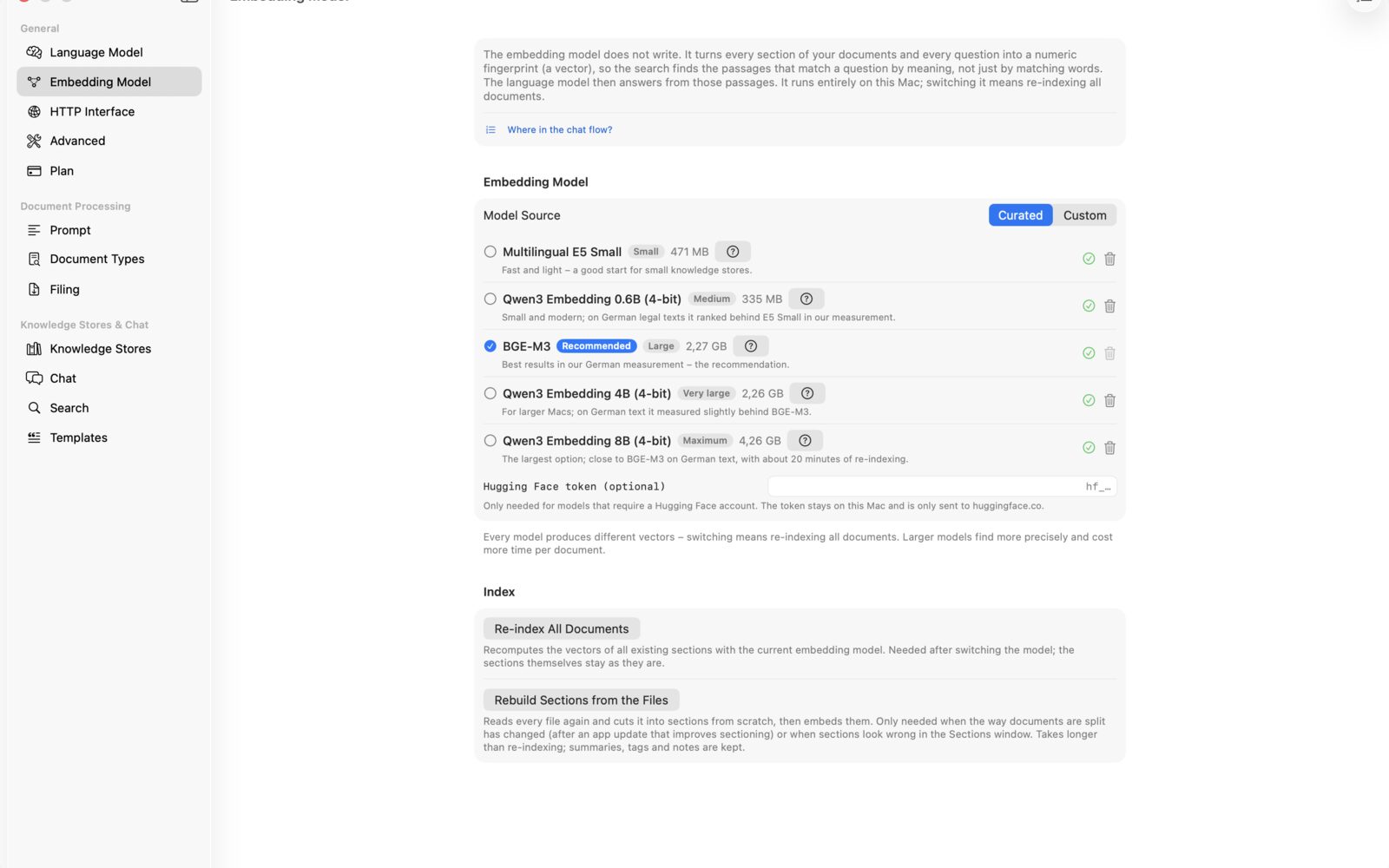
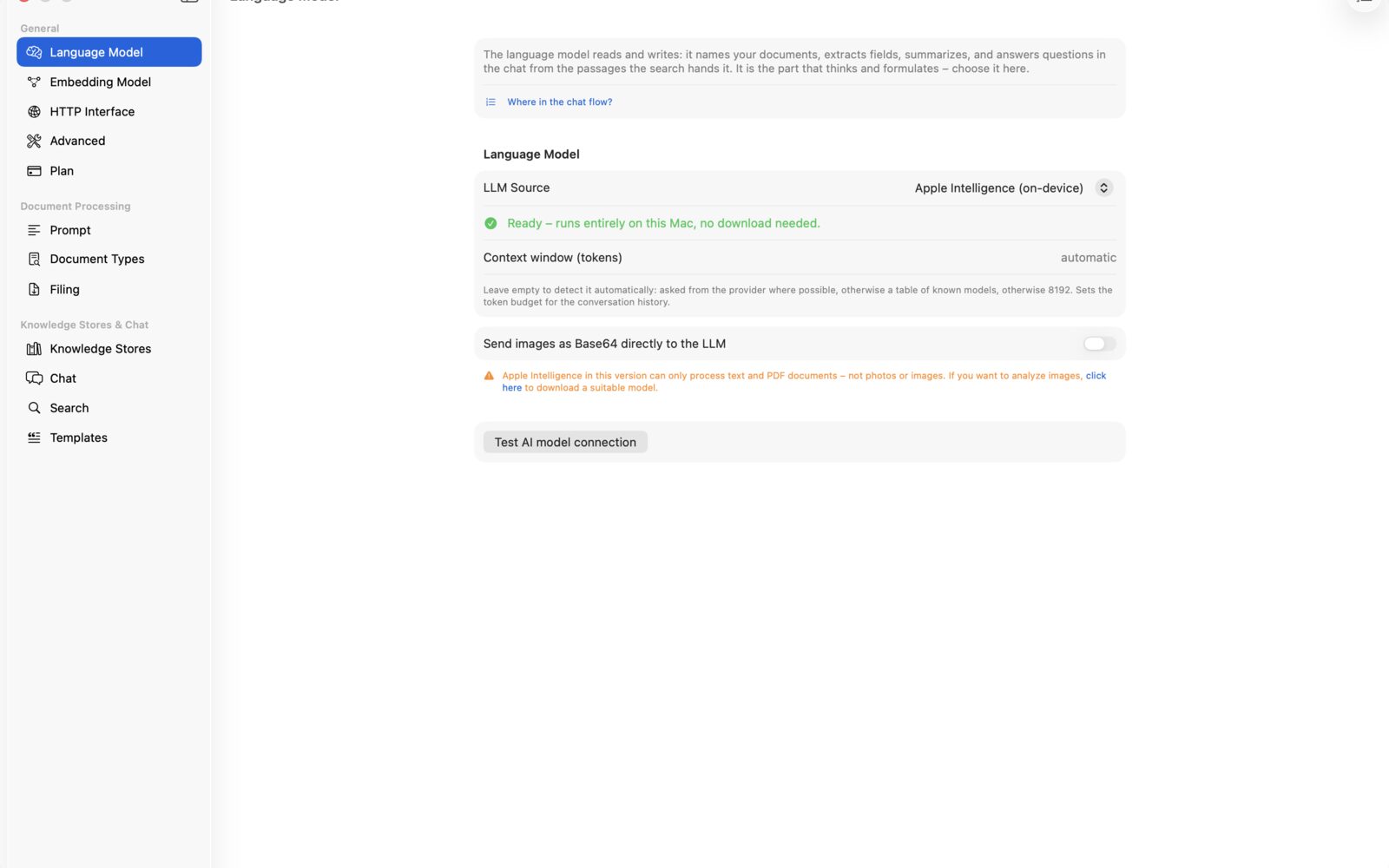
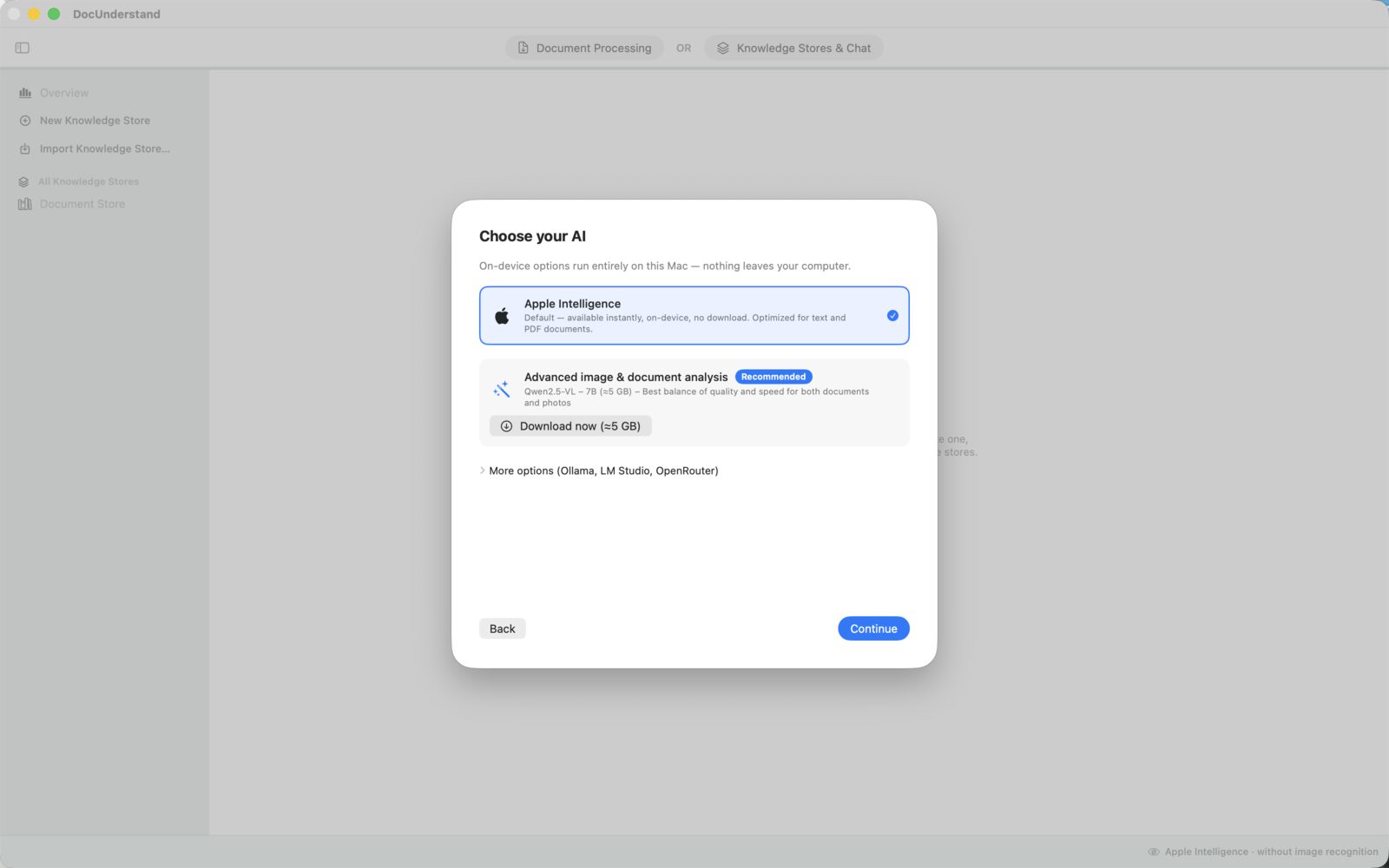
macOS 26 or later and a Mac with Apple Silicon. Apple Intelligence runs without a download; local language models need 2 to 10 GB of disk space depending on their size, and memory to match.

 DocUnderstand
 DocOversee